Guides & tutorials
Blog
Designing, cutting and exporting parametric slat & wave walls for CNC, laser and CAD.
Lire en français →
Parametric wall art for CNC: make the file, don't download it
Free parametric wall art DXF files are everywhere, and almost none of them fit your wall. What a cuttable parametric file actually contains, the five parameters that decide the look, and how to generate one at your own dimensions in the browser.
Read article →
Online CNC wall panel design software: what to check before you rely on one
Browser-based panel design tools have replaced desktop CAD for decorative walls. The eight things that decide whether one is usable in a real shop — export formats, kerf, nesting, G-code, units, and the limits nobody advertises.
Read article →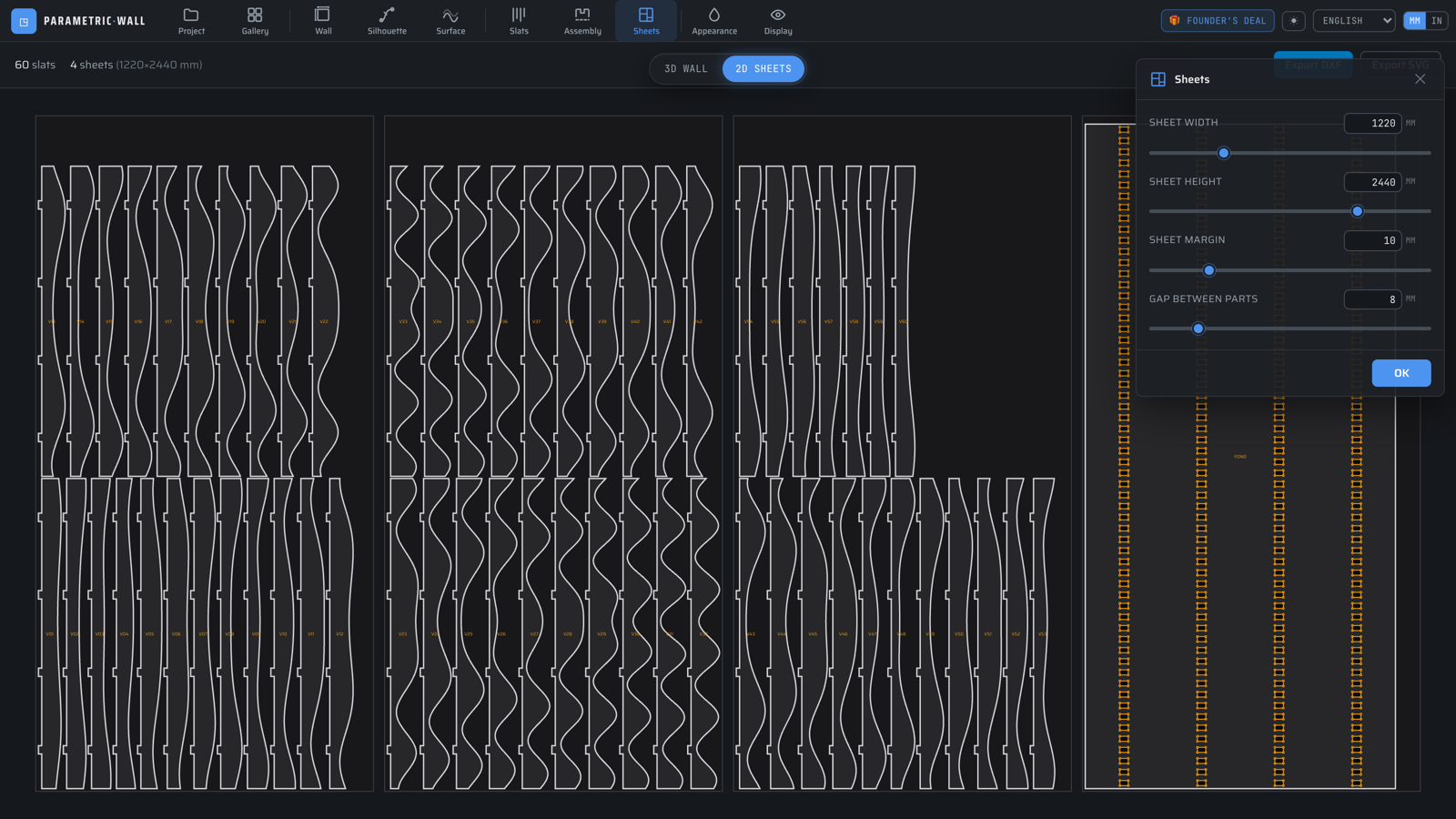
How to machine a parametric MDF wall on your CNC: the complete workshop guide
From sheet to mounted wall: choosing MDF, nesting, workholding, bit choice, cutting order and tabs, depth per pass, dust control, sealing MDF edges, priming, assembly and wall mounting. The fabrication side, step by step.
Read article →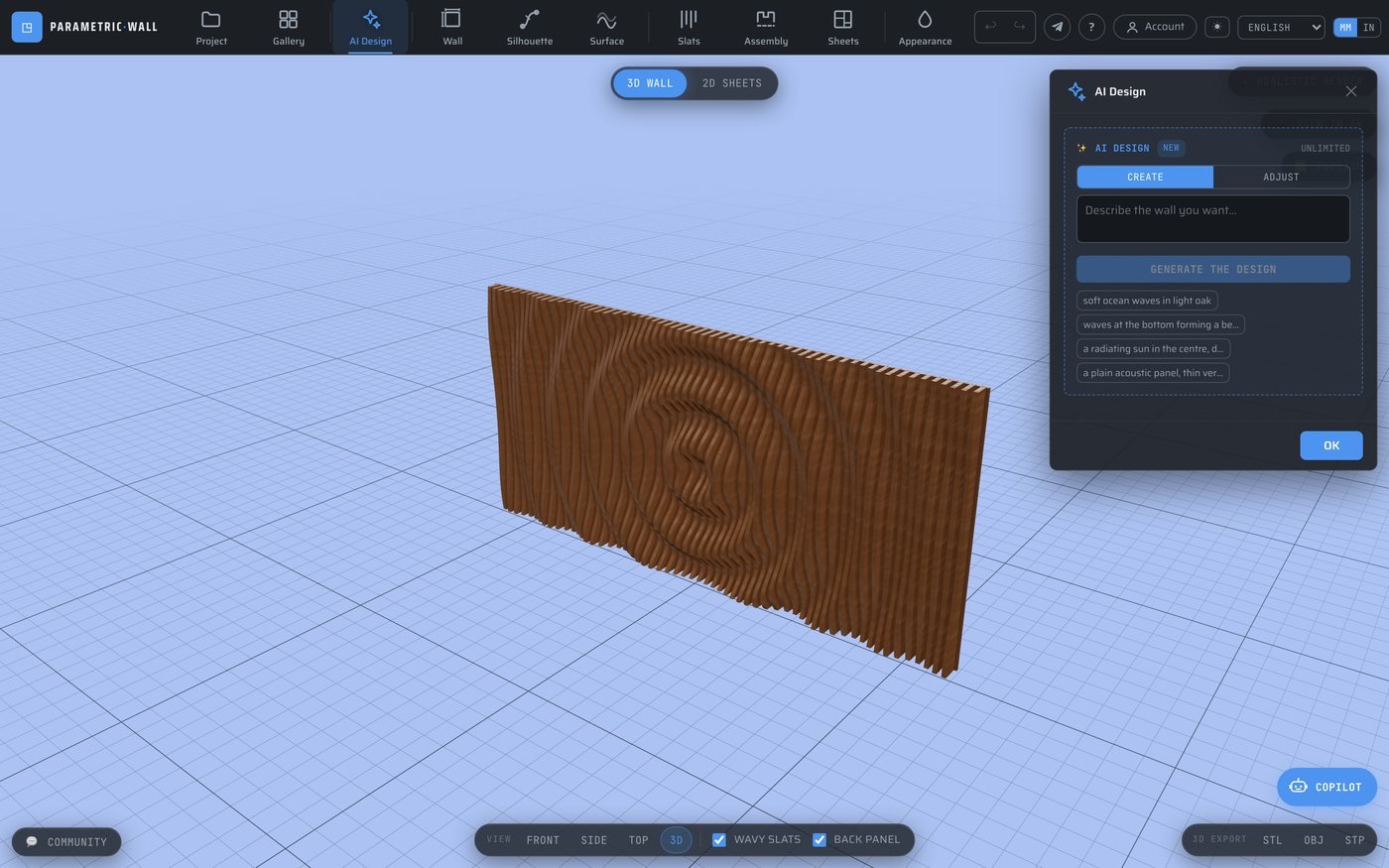
Design a parametric wall by describing it in plain language (AI generator)
Type what you want — "soft ocean waves in light oak", "waves at the bottom forming a bench" — and the AI sets every parameter of a machinable CNC slat or wave wall. No settings to learn, free to try, in the browser.
Read article →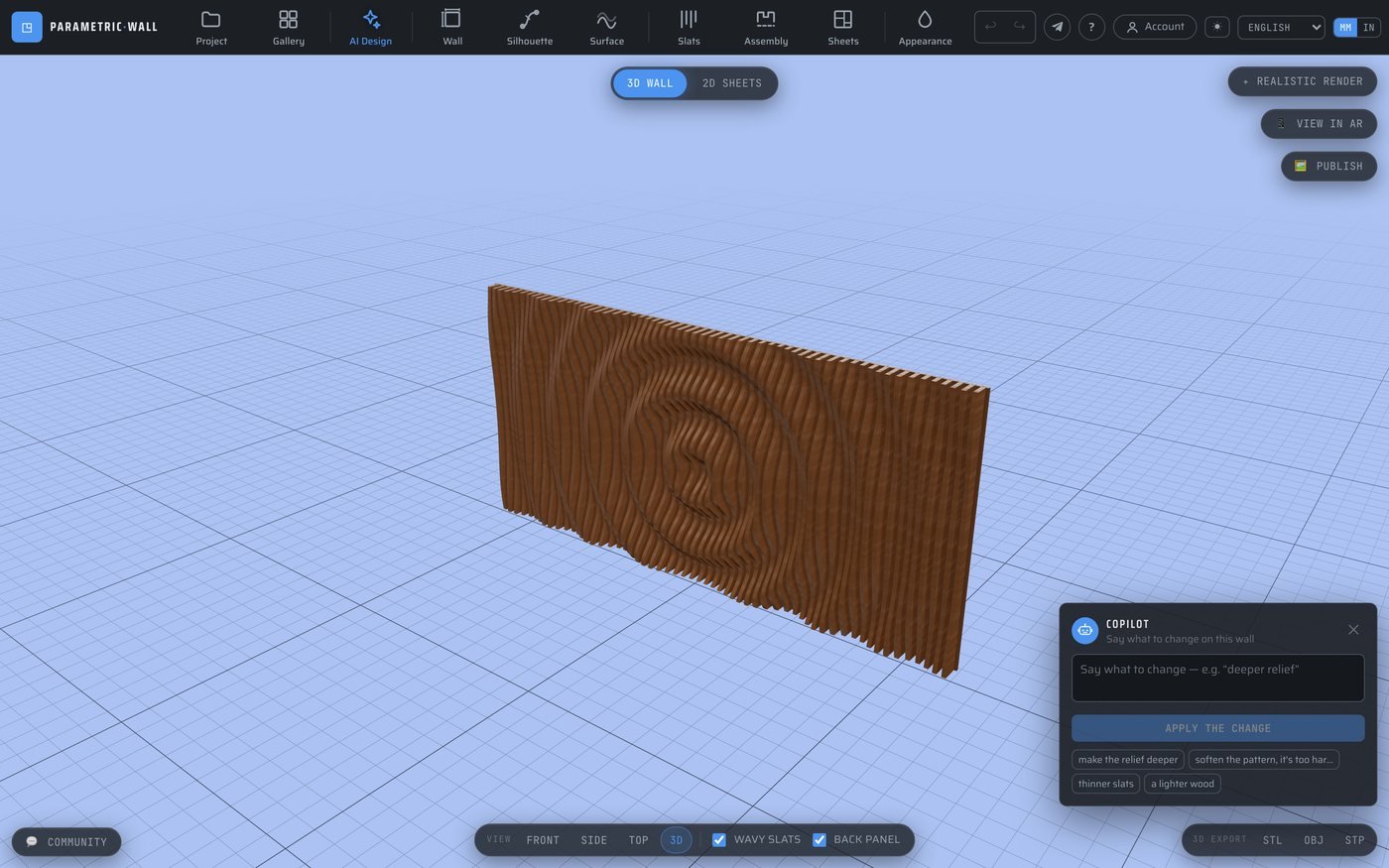
Refine your CNC wall design by talking to it: the AI copilot
A robot button at the bottom right of the studio edits the wall on screen from plain instructions — "deeper relief", "a lighter wood", "thinner slats". Only what you ask for changes, and one click undoes it.
Read article →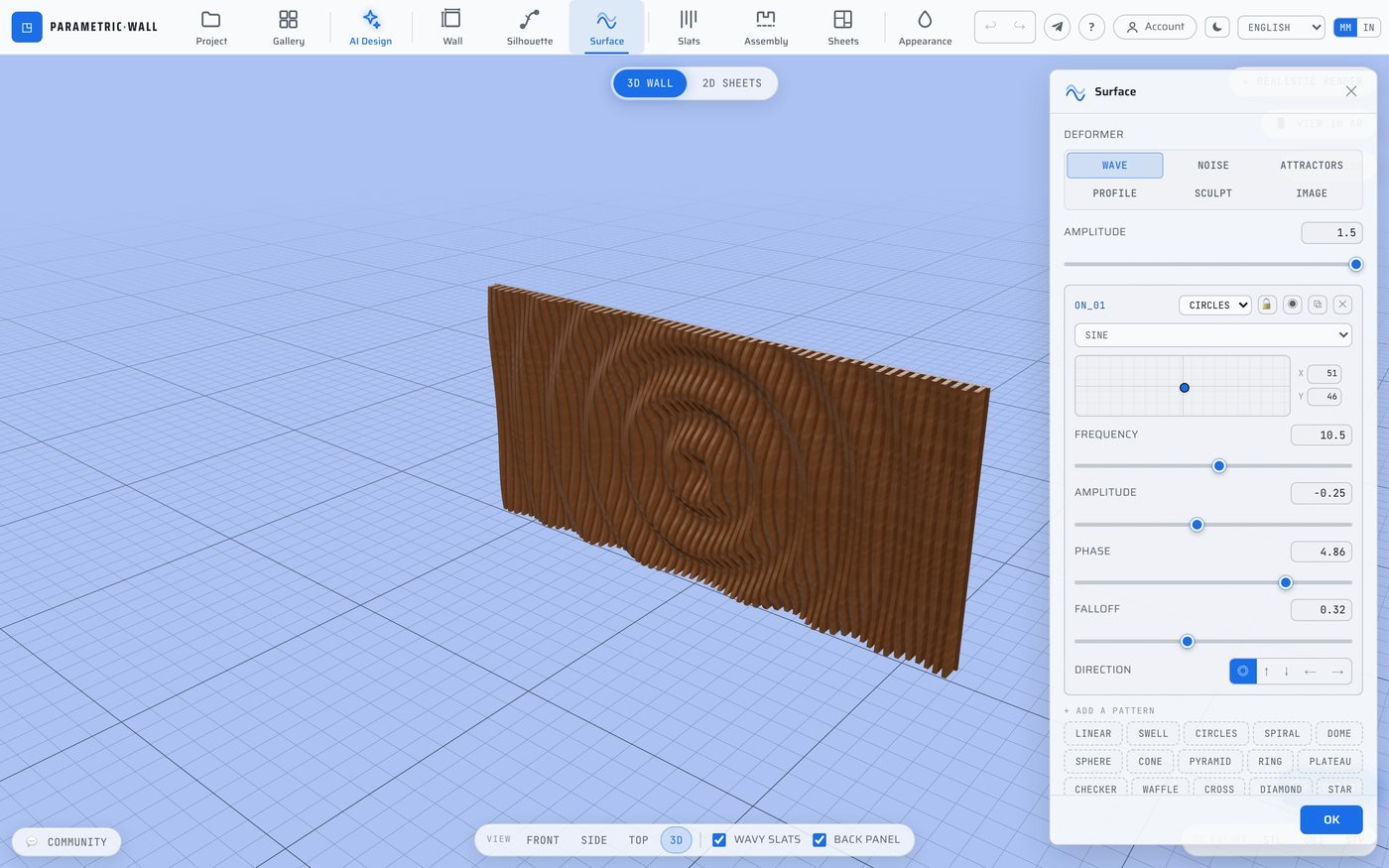
What AI wall design can't do — and the heightmap trick for faces and logos
The AI composes mathematical patterns, so it can't draw a face, a skull or a logo. Here's why, why the tool tells you so honestly, and how to sculpt figurative reliefs with a grayscale heightmap instead.
Read article →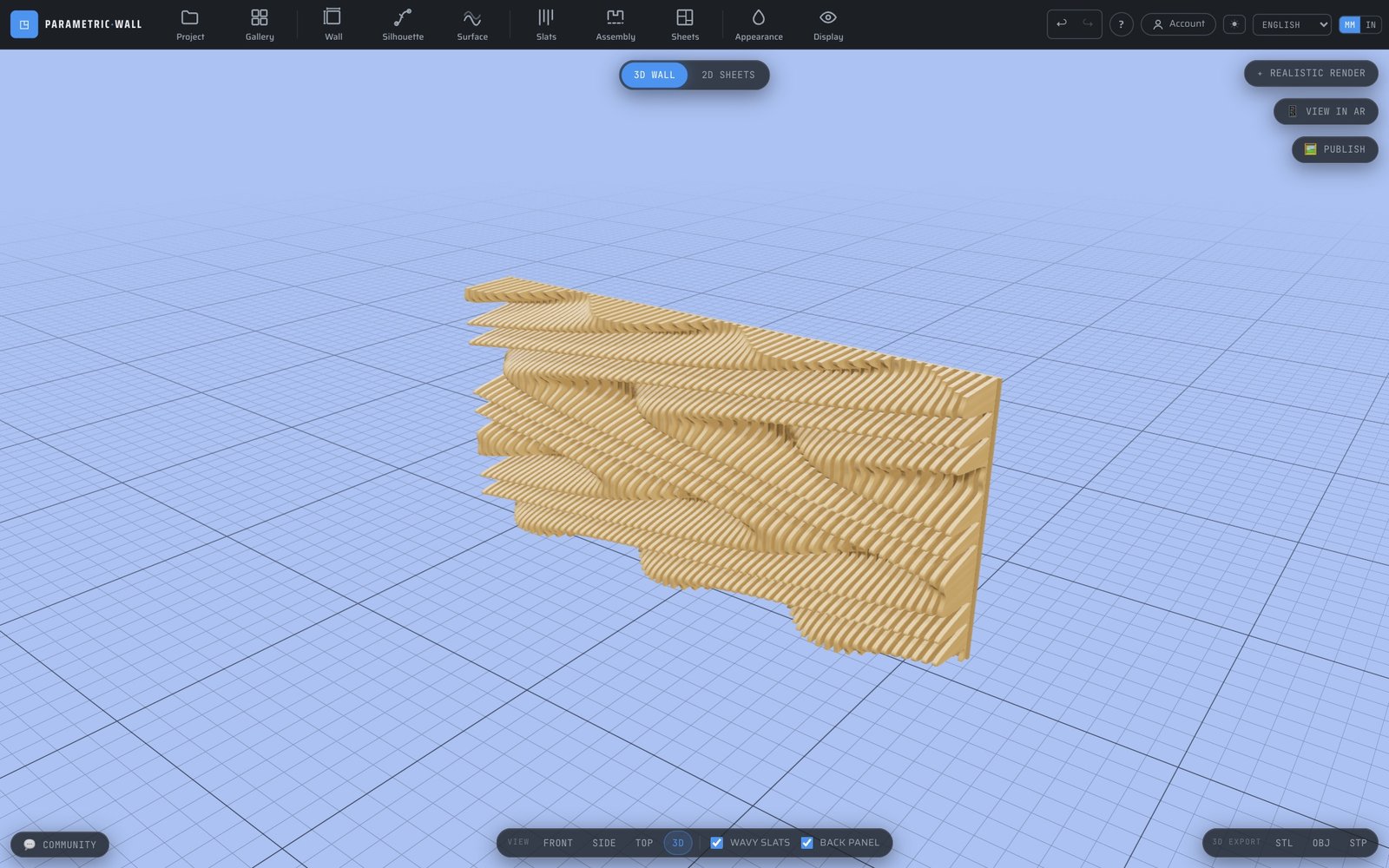
How to design a wood slat wall for CNC: the complete beginner's guide
A step-by-step beginner's guide to designing a wood slat wall (slat accent wall, fluted feature wall, acoustic panel) and cutting it on a CNC router — dimensions, slat width and spacing, material and thickness, relief, nesting and export to DXF, SVG, STEP and G-code.
Read article →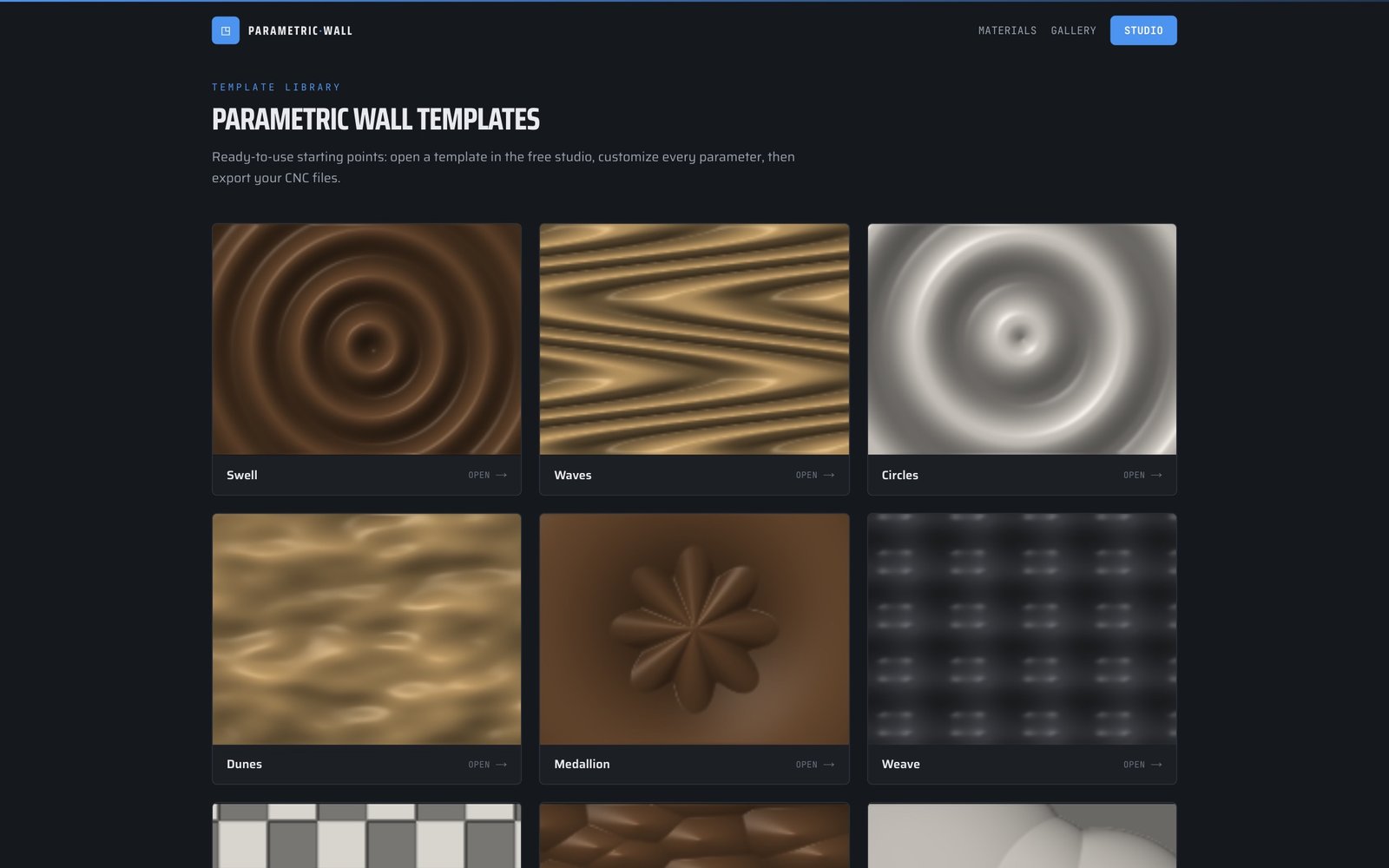
Slat, fluted, wave or acoustic: which panel to CNC?
A maker's comparison of the four decorative wall panels you can cut on a CNC router — slat, fluted, wave and acoustic — by machining time, material cost, tooling, difficulty and assembly, so you can pick the one your shop can actually deliver.
Read article →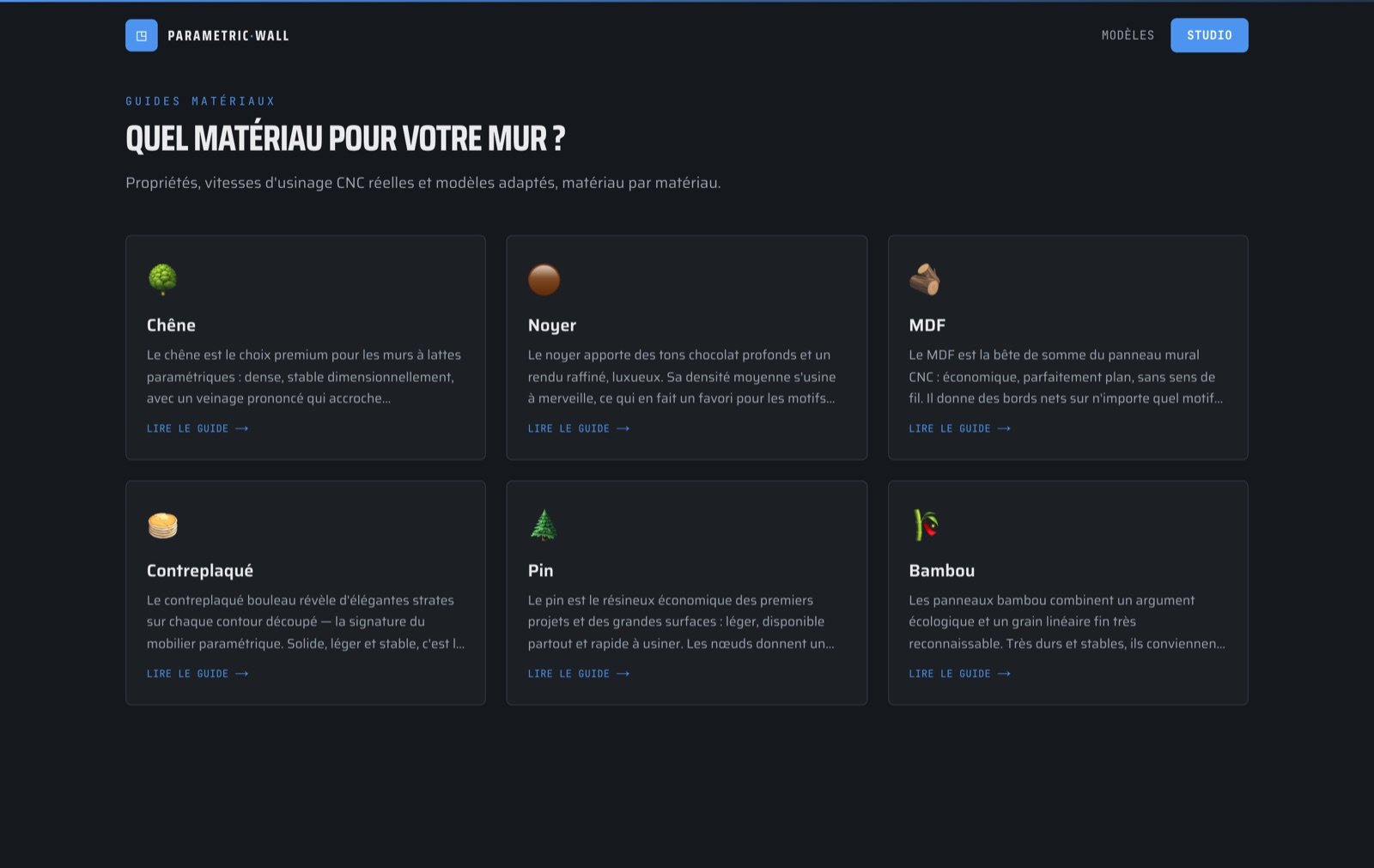
CNC feeds and speeds for cutting wood slat walls: MDF, plywood, oak, walnut, pine and bamboo
A practical guide to CNC router feeds and speeds for cutting wood slat walls and wave panels — chip load, spindle rpm, feed rate, depth per pass and bit choice — with indicative settings for MDF, plywood, oak, walnut, pine and bamboo.
Read article →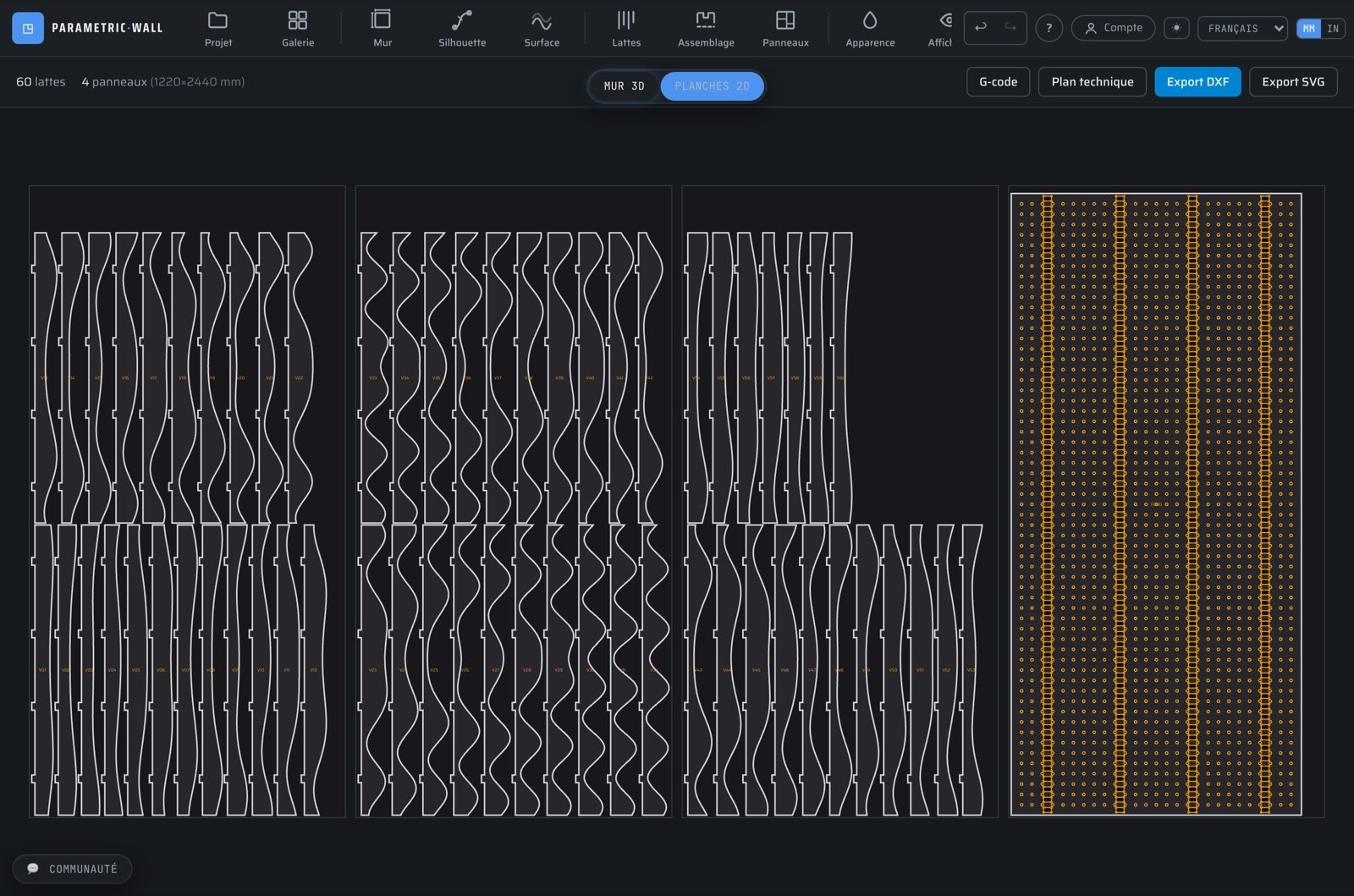
DIY acoustic slat wall: estimate NRC before you cut
How acoustic slat wall panels absorb sound, what the NRC (Noise Reduction Coefficient) means, and how open area, backing, slat spacing and a perforated back panel affect sound absorption — with tips to design a decorative acoustic wood panel for your CNC.
Read article →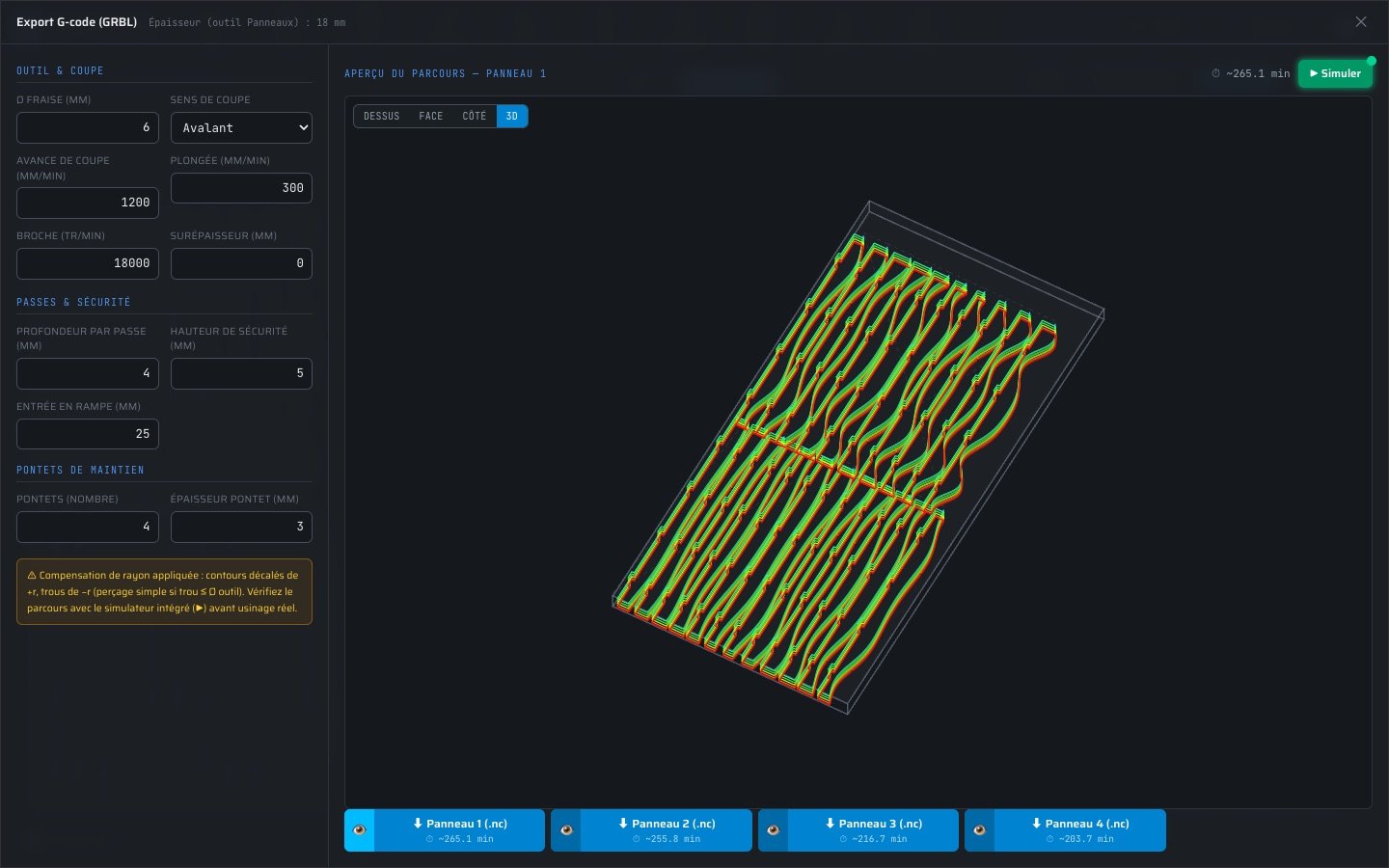
How to generate CNC G-code without CAM software (GRBL and Mach3)
You do not always need Fusion 360, VCarve, Aspire or Kiri:Moto to make G-code. Learn how to generate ready-to-run GRBL and Mach3 G-code for a slat wall directly in the browser, with cutter radius compensation, holding tabs, ramp entry and a built-in simulator.
Read article →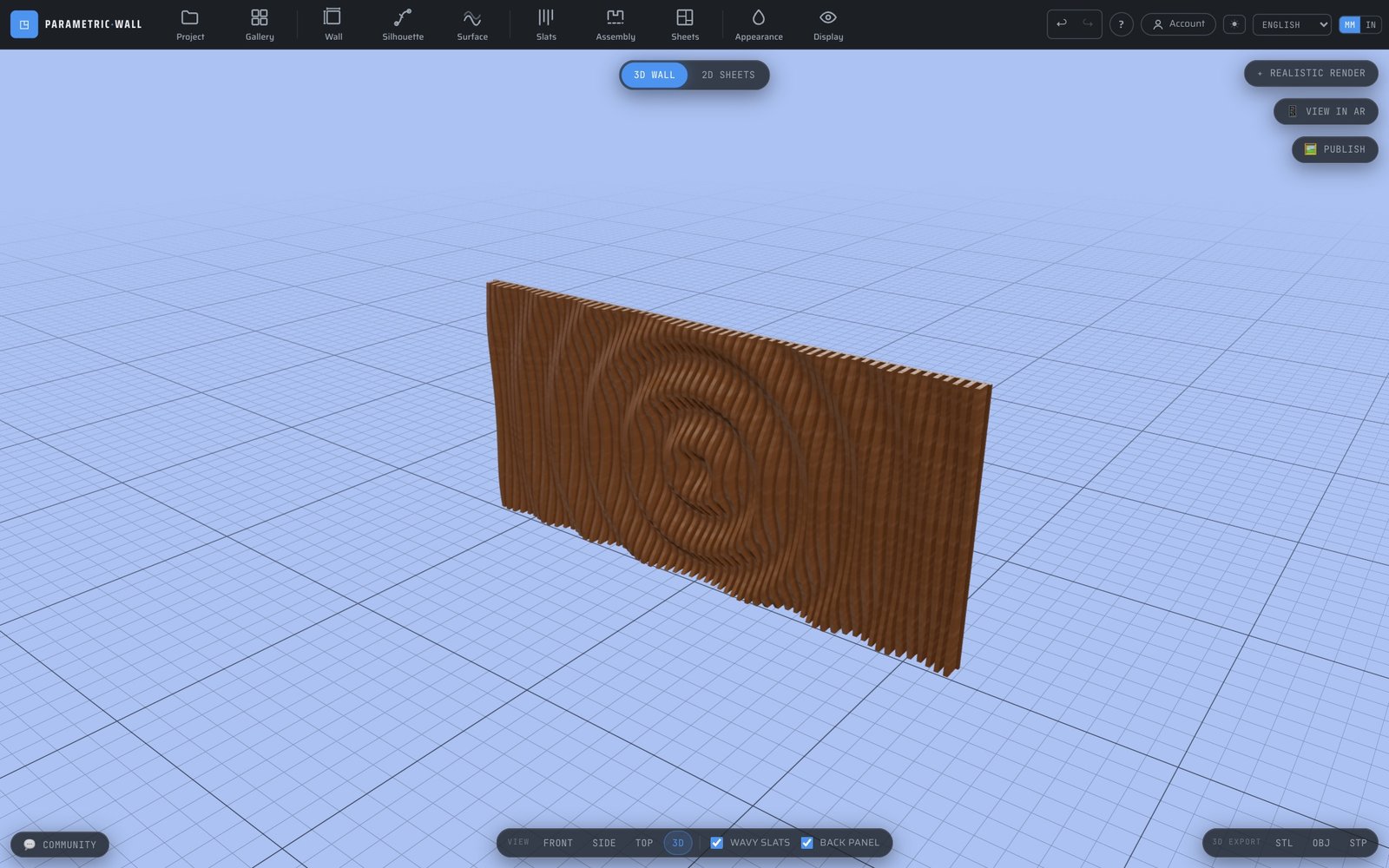
Using your parametric wall in 3D: STL, OBJ and STEP for 3D printing, rendering and CAD
A guide for anyone working in 3D: how to export a parametric slat or wave wall as STL, OBJ or STEP, when to choose a mesh vs a solid, and how to use these 3D files for 3D printing, photorealistic rendering, visualization and CAD editing in Fusion 360, SolidWorks or Blender.
Read article →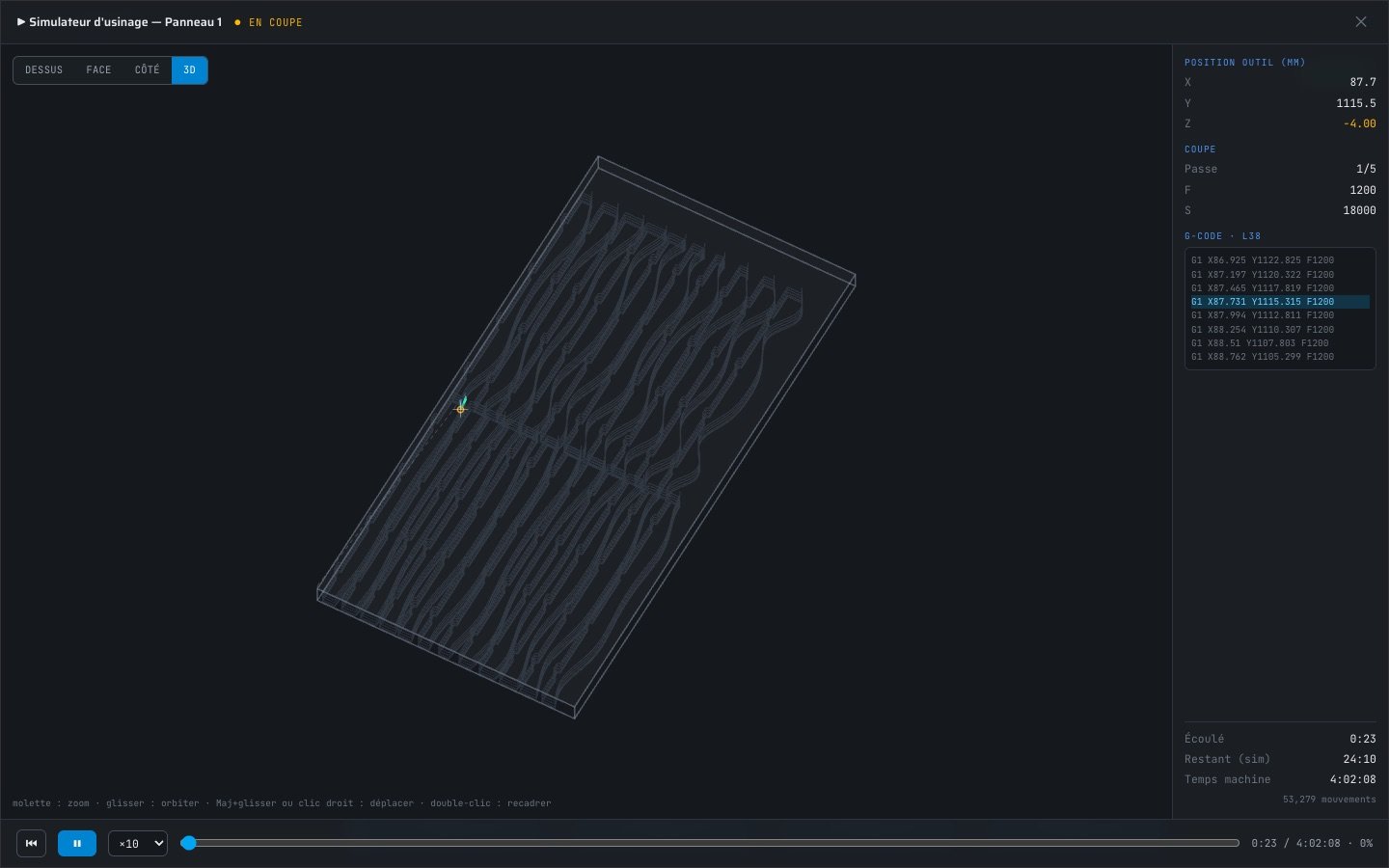
A real machining simulator and a pro G-code workshop, right in your browser
The G-code export grew into a full-screen workshop with radius compensation, holding tabs and a multi-view toolpath preview — plus a built-in NC-Viewer-style simulator that replays your exact .nc file with a timeline, live readouts and an orbital 3D view.
Read article →Direct G-code, perforated acoustic panels and a 20-template library
Three major updates: export GRBL/Mach3 G-code without any CAM software, turn your wall into a perforated acoustic panel with live NRC estimate, and start from 20 ready-made templates with per-material machining guides.
Read article →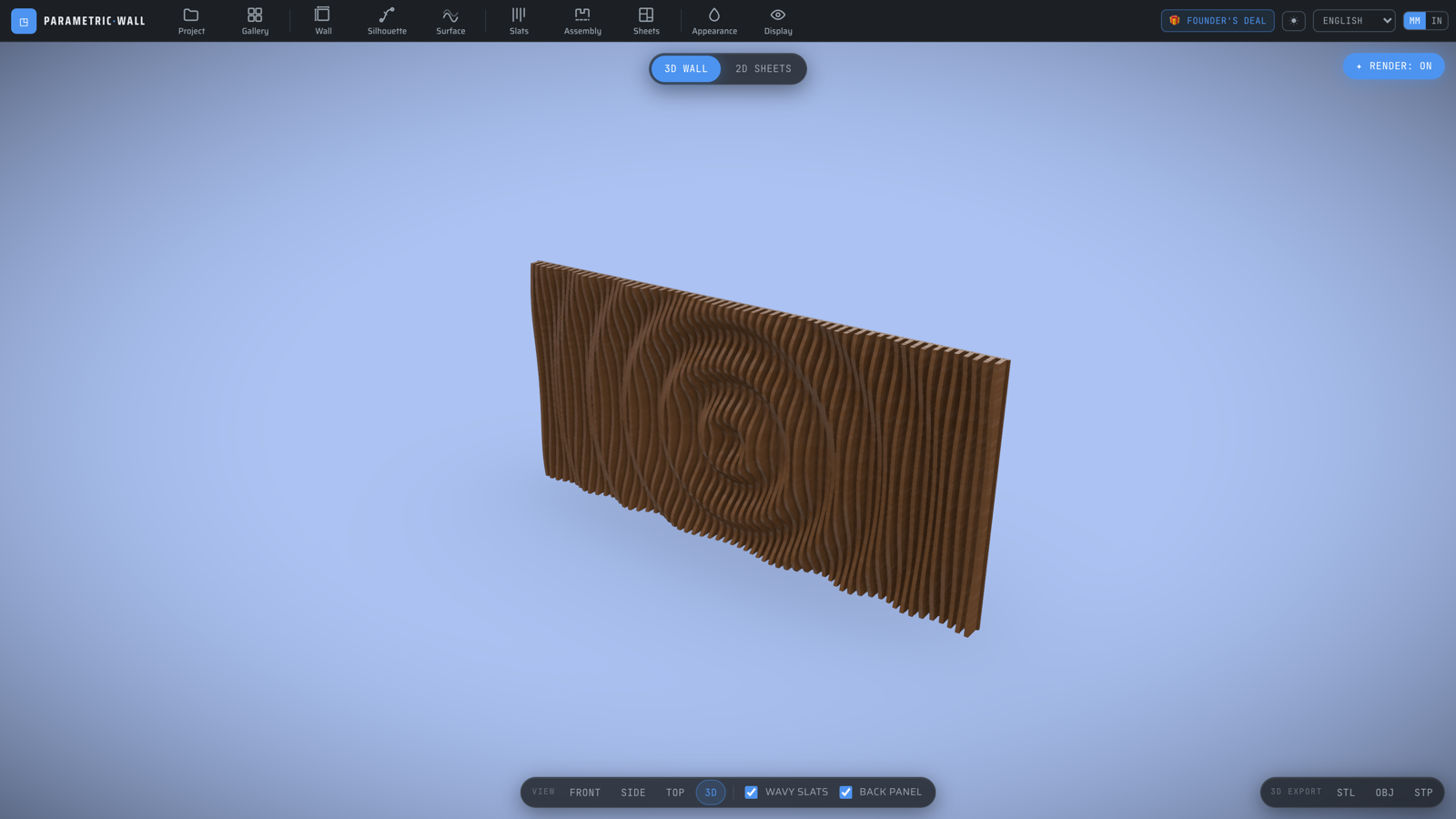
Inside the new Fusion 360-style interface of Parametric Wall Studio
A guided tour of the redesigned studio: a CAD-style toolbar, command boxes with OK validation, live 2D nesting, and dark & light themes — with real screenshots.
Read article →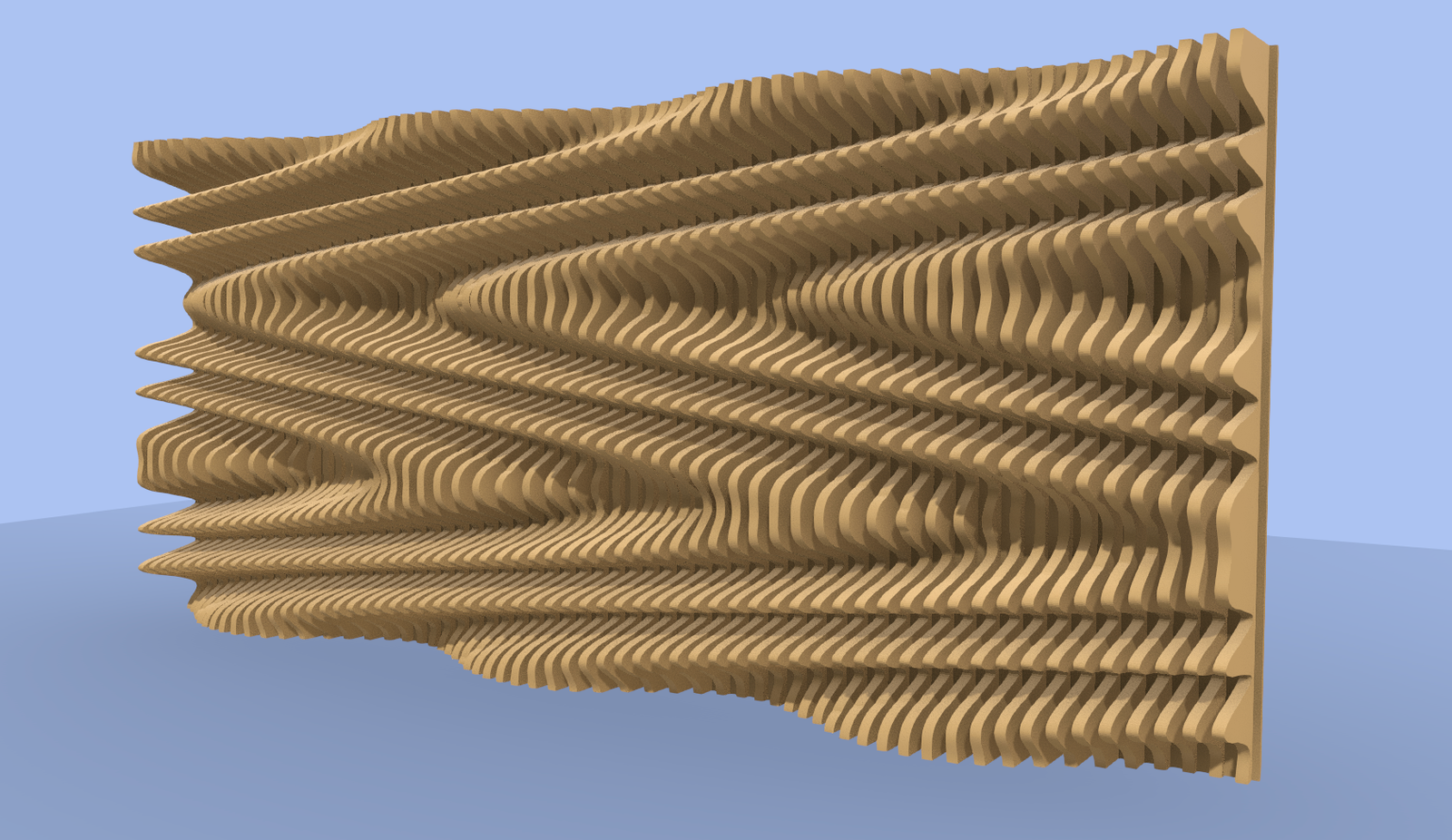
How to export a parametric slat wall to STEP for Fusion 360
Step-by-step guide to designing a wood slat or wave wall and exporting it as an editable STEP solid you can open in Fusion 360, SolidWorks or FreeCAD.
Read article →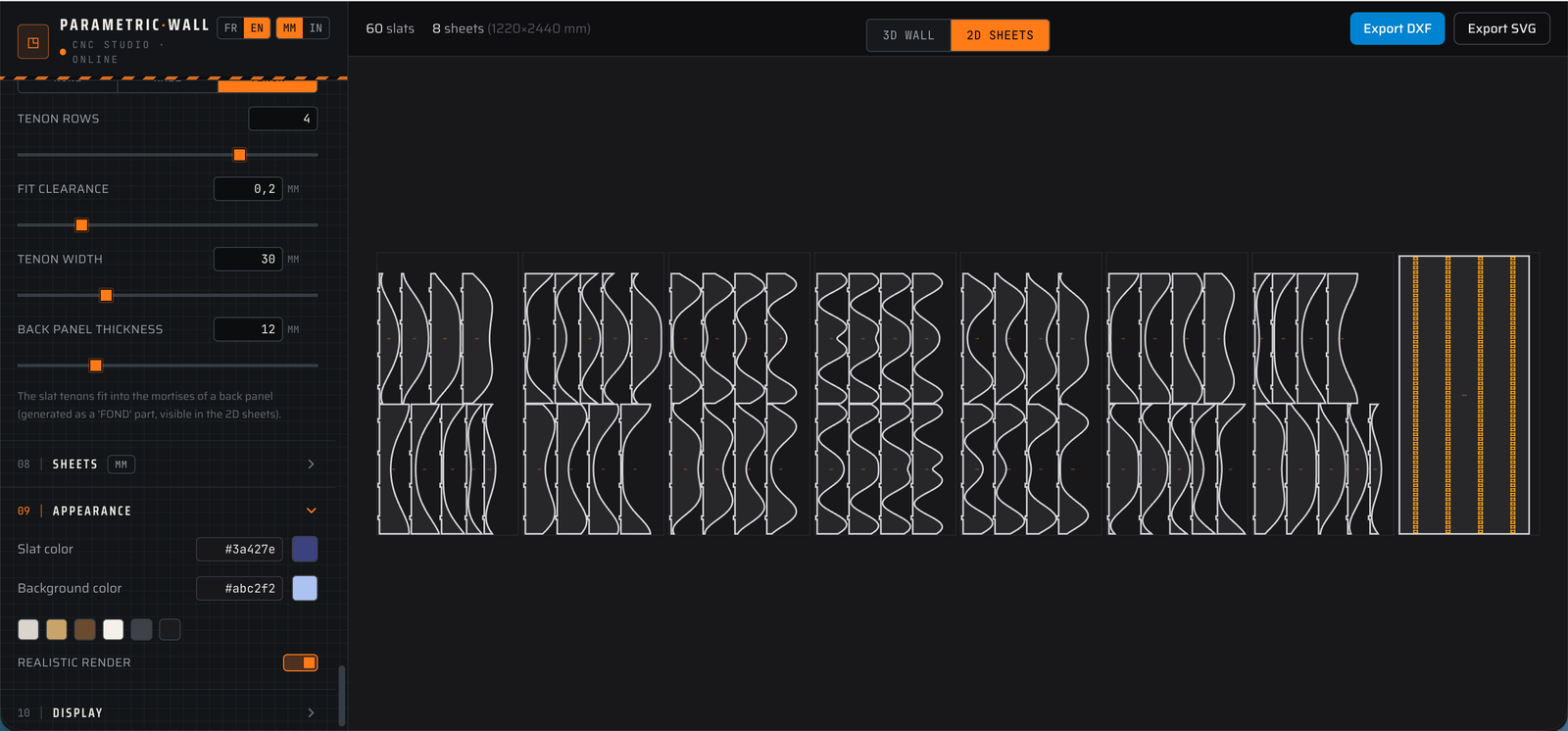
DXF, SVG, STL, OBJ or STEP: which export format for your CNC or laser?
A simple guide to choosing the right export format for a CNC router, laser cutter, 3D printer or CAD software — DXF, SVG, STL, OBJ and STEP explained.
Read article →