Slat, fluted, wave or acoustic: which panel to CNC?
A slatted wall is separate strips fixed with real gaps over a backing — add felt behind and it can absorb sound; a fluted panel is one solid board with grooves cut into its face, with no gaps. A wave wall is a slat or fluted wall whose depth follows a 3D surface, and an acoustic panel is a slat wall built to hit an NRC figure. On a CNC they are very different jobs: slats are a fast 2D profile cut, fluted needs a profile bit and a long 3D carve — the table below compares cost, time and difficulty before you buy wood. If you have a CNC router, the question is not which panel looks best in a showroom — it is which one your machine, your tooling and your deadline can actually deliver.
Fluted vs slatted: the short answer
A fluted panel is a single solid board with concave grooves machined into its face: no gaps and no assembly, but the groove shape is fixed by your router bit, and a full sheet can carve for hours. A slatted (slat) wall is many separate strips fixed with real gaps over a backing board: each strip is a fast 2D profile cut, but a 2.4 × 1.2 m wall at 30 mm spacing means about 80 vertical slats (40 if they run horizontally) to assemble. Reeded is the convex opposite of fluted. Of these profiles, only a slatted wall absorbs sound in a useful way, because its gaps let sound reach felt or mineral wool behind.
Fluted vs slatted vs reeded vs ribbed: the profiles side by side
The four words describe a cross-section — what you would see if you sawed the wall in half and looked at the cut end. Fluted, reeded and ribbed are all shaped into one continuous board; only a slatted wall is made of separate pieces with real gaps, which is why it is the only one that lets light, air and sound through.
On a CNC that split decides the job. The three one-board profiles keep the cutter in the material for the whole face, and their shape comes from the bit you own. A slatted wall is a stack of simple 2D profile cuts, and its look comes from parameters you can change.
| Profile | Surface | See-through? | Acoustic? | CNC tool | Relative cost / time |
|---|---|---|---|---|---|
| Fluted | Concave grooves cut into one board | No | Barely | Round-nose (core box) or V-bit, parallel passes | Long carve, no assembly |
| Reeded | Convex half-round beads standing proud of one board | No | Barely | Bead/reeding profile bit or ball-nose finishing passes | Long carve; bead shape set by the bit |
| Ribbed | Square-edged ribs standing proud of one board | No | Barely | Flat end mill clearing the channels (2.5D pocket) | Medium: pocketing, no assembly |
| Slatted | Separate strips with real gaps over a backing | Yes | Yes, with felt or mineral wool behind | Straight or compression bit, 2D profile | Fast cut, long assembly |
The four styles, from a machinist's point of view
A slat wall is a set of separate strips mounted with gaps over a backing board. A fluted panel is one solid board with grooves cut into its face, no gaps. A wave wall is either of those where the depth follows a mathematical surface, so the wall undulates in three dimensions. An acoustic panel is a slat wall built to a sound-absorption target, with an absorbent backing and usually a perforated back board.
That distinction matters more than it sounds. Slats and acoustic panels are CUT-OUT jobs: you profile many small parts and nest them on sheets. Fluted and wave panels are CARVED jobs: the tool stays in the material and follows a surface. The first is fast and forgiving; the second is slow and unforgiving, because a carved face cannot be re-cut if you get it wrong.
Slat wall: the one to quote when the deadline is short
Each slat is a simple rectangular part with two long cuts. A 2D profile toolpath handles the whole job, a 6 mm compression bit gets clean edges top and bottom, and one pass through the thickness is enough on 18 mm MDF or plywood. Nesting is efficient because the parts are rectangles.
The catch is assembly, not machining. A 2.4 x 1.2 m slat wall at 30 mm spacing is about 80 vertical slats (40 if they run horizontally) to glue and align one by one. That is where the hours go. Machine tenons into the slats and matching mortises into the back panel and the wall aligns itself — it turns a fiddly afternoon into an hour, and it costs nothing extra in cut time because the joinery is cut in the same operation.
Fluted panel: the one that depends on your tooling
A fluted panel is carved from a single board with a profile bit — usually a round-nose or V-bit — running parallel passes across the face. There is no nesting and no assembly: one board in, one panel out. That sounds ideal, and for small panels it is.
Two things bite at scale. First, the tool never leaves the material, so machining time scales with total groove length, not with part count: a full sheet can run for hours. Second, your flute profile IS your bit profile. Changing the look means buying a different cutter, not editing a parameter — which is exactly the constraint a parametric slat or wave wall does not have. Check what is in your tool rack before you promise a specific reeded look.
Wave wall: the one nobody can draw by hand
A wave wall is where a CNC shop stops competing on price and starts competing on capability. The depth of every slat or flute follows a surface, so no two parts are identical and the outline of each one is a curve. Drawing this by hand in CAD is impractical — that is why almost nobody offers it, and why it commands a premium.
Machining is a 2.5D profile job like a slat wall, so cut time per part is comparable. The real cost is upstream: generating the geometry. Done parametrically, it takes minutes; done manually, it does not get done at all. Budget extra material too — curved parts nest less efficiently than rectangles, so expect noticeably more waste than a straight slat wall on the same wall area.
Acoustic panel: the one with a number to hit
An acoustic slat panel is a slat wall with a job to do. Slats over an absorbent backing, gaps that let sound energy through, and usually a perforated back board so the absorber actually works. The deliverable is not a look, it is an NRC figure — and that changes the conversation with the client.
Machining adds one operation: drilling or pocketing the perforation grid in the back panel, which can be thousands of holes and easily doubles the runtime of the whole job. Quote it separately. The open-area ratio of gaps and perforations drives absorption, so this is the one style where a parameter change has an acoustic consequence, not just a visual one.
Side by side: what each one actually costs you
Indicative orders of magnitude for a 2.4 x 1.2 m wall in 18 mm MDF, on a hobby-to-light-industrial router. Your machine, tooling and material will shift these — treat them as ratios between styles, not as absolutes, and always confirm on a test piece. Part counts assume vertical slats at 30 mm spacing, centre to centre.
| Slat wall | Fluted panel | Wave wall | Acoustic panel | |
|---|---|---|---|---|
| Gaps between pieces | Yes | No — grooves in one board | Yes (slat version) | Yes |
| Absorbs sound | Only with felt behind | Barely | Only with felt behind | Yes — built to an NRC target |
| Parts to cut | ≈ 80 slats | 1–2 boards | ≈ 80 curved slats | ≈ 80 slats + perforated back |
| Toolpath per part | 2D profile: 2 long cuts | 3D carve: parallel passes over the whole face | 2D profile: 1 curved outline | 2D profile + drilling |
| Machining time | Low | High | Low to medium | High |
| Material waste | Low | Very low | Medium to high | Low |
| Assembly time | High | None | High | High |
| Special tooling | None | Profile bit required | None | Drill or small bit |
| Difficulty | Beginner | Intermediate | Intermediate | Intermediate |
| Sells on | Price | Finish | Capability | Performance |
Alternatives to fluted panels
If what puts you off fluted is the router time, the tooling or the price of a full solid board, three alternatives cut on the same machine and keep a similar vertical rhythm.
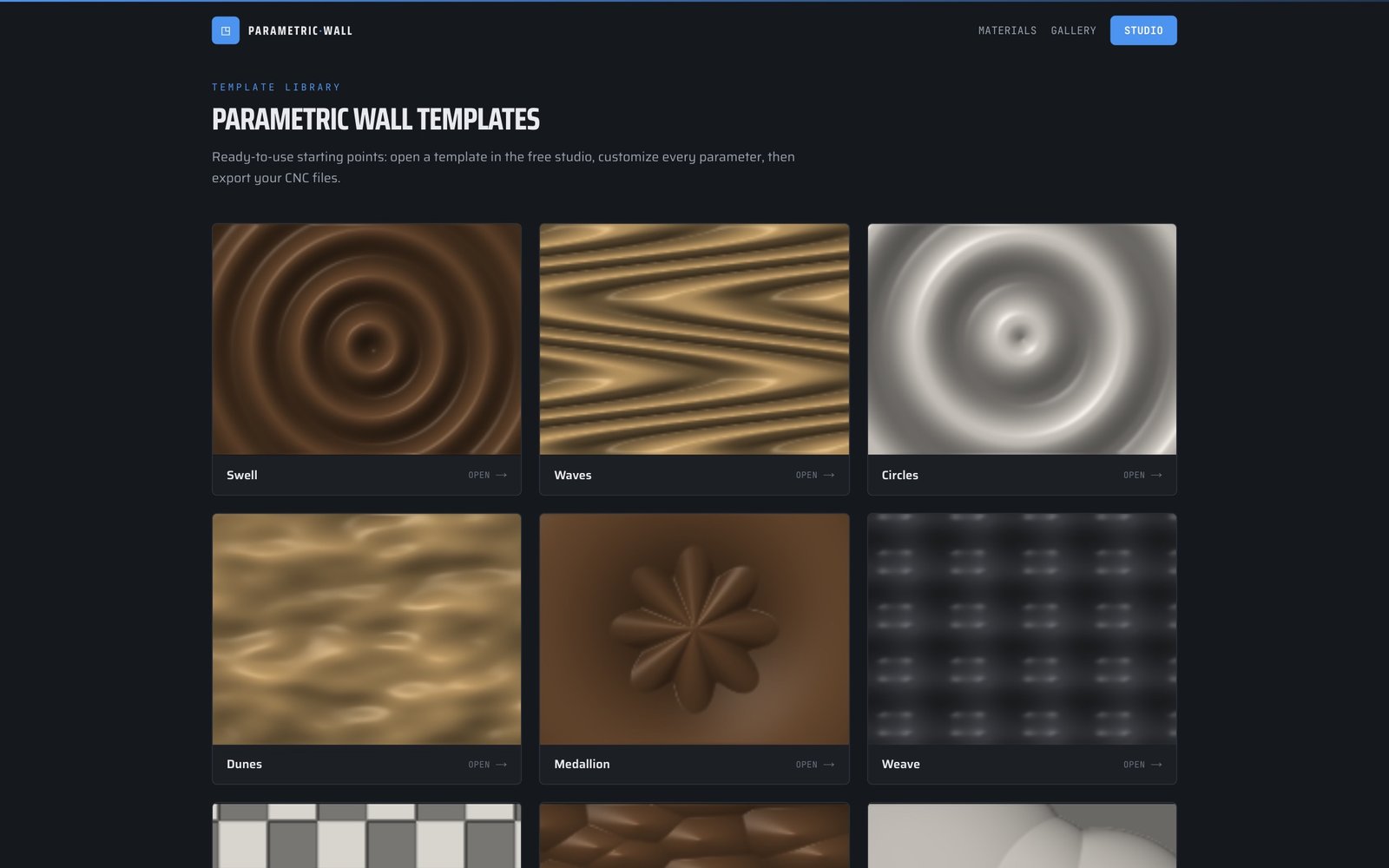
A straight slat wall: rectangular parts that nest tightly and cut in one 2D pass, with real gaps instead of grooves. A wave wall keeps the slats but lets their depth follow a surface — start from the Waves template or the Ripples template and type in your own wall size. An acoustic slat panel adds felt and a perforated back board so the gaps do a job — see how to estimate its NRC before you cut.
All three come from parameters, so changing the look means changing a number rather than buying a cutter — the exact constraint that makes fluted expensive to vary. Browse all 30 templates for more starting points.
How to actually choose
If the deadline is short and the budget is tight, cut a slat wall — it is the fastest to machine and the easiest to get right first time. If the client wants a refined, gap-free surface and you already own the right profile bit, cut a fluted panel and accept the long runtime. If the client wants something no local shop can supply, cut a wave wall: it is the only one of the four you cannot realistically produce without parametric software, which is precisely why it is worth more.
If the room has an echo problem, none of the aesthetic arguments matter — build the acoustic panel, quote the perforation as a separate operation, and agree the target NRC in writing before you cut anything.
One practical rule: never promise a fluted or wave finish before you have run a 300 mm test piece in the actual material. Carved faces show every mistake, and unlike a slat, you cannot quietly re-cut one part and move on.
From decision to G-code
Whichever you pick, the pipeline is the same: set the wall dimensions, choose the style and spacing, let the software slice the relief into parts, nest them on your sheet size, then export. Parametric Wall Studio produces all four in the browser — DXF and SVG with separate cut and engrave layers, STEP solids for Fusion 360, and ready-to-run GRBL or Mach3 G-code with cutter compensation and holding tabs.
There is a machining simulator built in, which matters most for the two styles that punish mistakes: run the file, watch the passes, and check the toolpath before you put a sheet on the bed. Designing is free and unlimited, so you can price three different styles for the same client in an afternoon and quote the one that fits your shop.
Read next
Tools & guides
Ready to try it?
The studio opens on this guide's model — resize it in two settings.
Design and export any of these — free →