DXF, SVG, STL, OBJ or STEP: which export format for your CNC or laser?
Parametric Wall Studio exports five formats. Picking the right one depends on the machine or software you are feeding. Here is a plain-English guide so your file works the first time.
DXF — for CNC routers
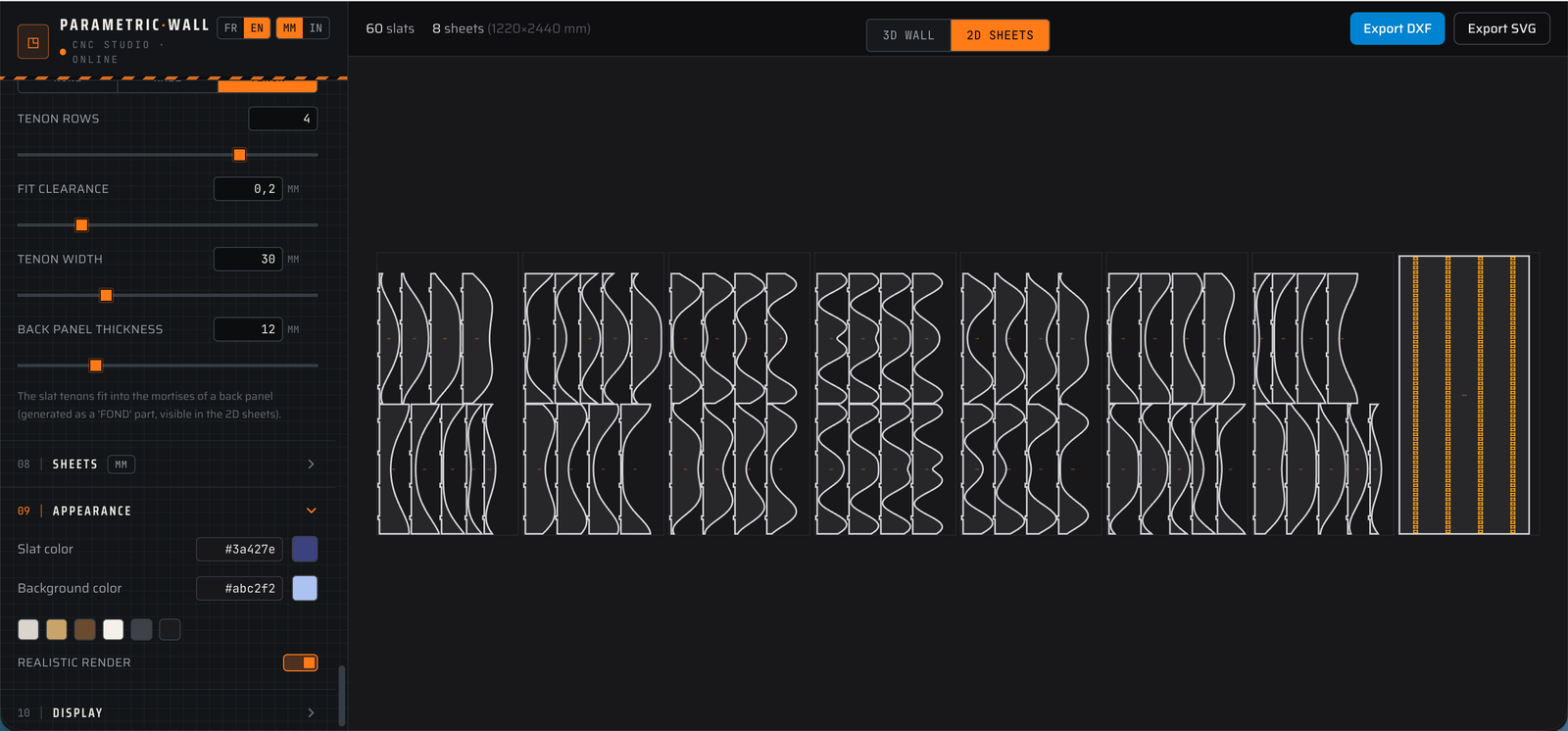
DXF is the universal 2D vector format for CNC. The Studio writes clean R12 DXF with single closed polylines and separate CUT, ENGRAVE and SHEET layers, so software like VCarve, Aspire or Fusion reads it without broken contours.
SVG — for laser cutters
SVG is another 2D vector format, ideal for laser cutters and tools like LightBurn or Inkscape. Use it when your machine prefers SVG over DXF; the geometry is identical.
STL — for 3D printing
STL is a triangle mesh of the 3D model. Choose it for 3D printing a relief tile or a scale prototype of your wall. It is not meant for editing in CAD.
OBJ — for rendering
OBJ is also a mesh, widely supported by 3D and rendering apps. Use it to drop your wall into a visualisation or a 3D scene.
STEP — for CAD solids
STEP is a true solid format. Export it when you want to keep working in Fusion 360, SolidWorks or FreeCAD: each slat is a real, editable solid body, in millimetres.
Quick recommendation
CNC router: DXF. Laser cutter: SVG. 3D print: STL. CAD editing or CAM on solids: STEP. Rendering or generic 3D: OBJ.
All formats come from the same design, so you can export several and use whichever each tool prefers.
Read next
Tools & guides
Ready to try it?
Open the Studio and export →