Direct G-code, perforated acoustic panels and a 20-template library
This update is all about getting from idea to machined wall faster. You can now skip CAM software entirely with direct G-code export, design perforated acoustic panels with a live absorption estimate, and start from a library of 20 ready-made templates backed by real machining guides for six materials. Here is the tour, with screenshots.
G-code export: from design to machine, no CAM in between
Until now the workflow was: export a DXF, import it into your CAM software, program the operations, post-process for your controller. For simple profile cutting, that whole chain is now optional.
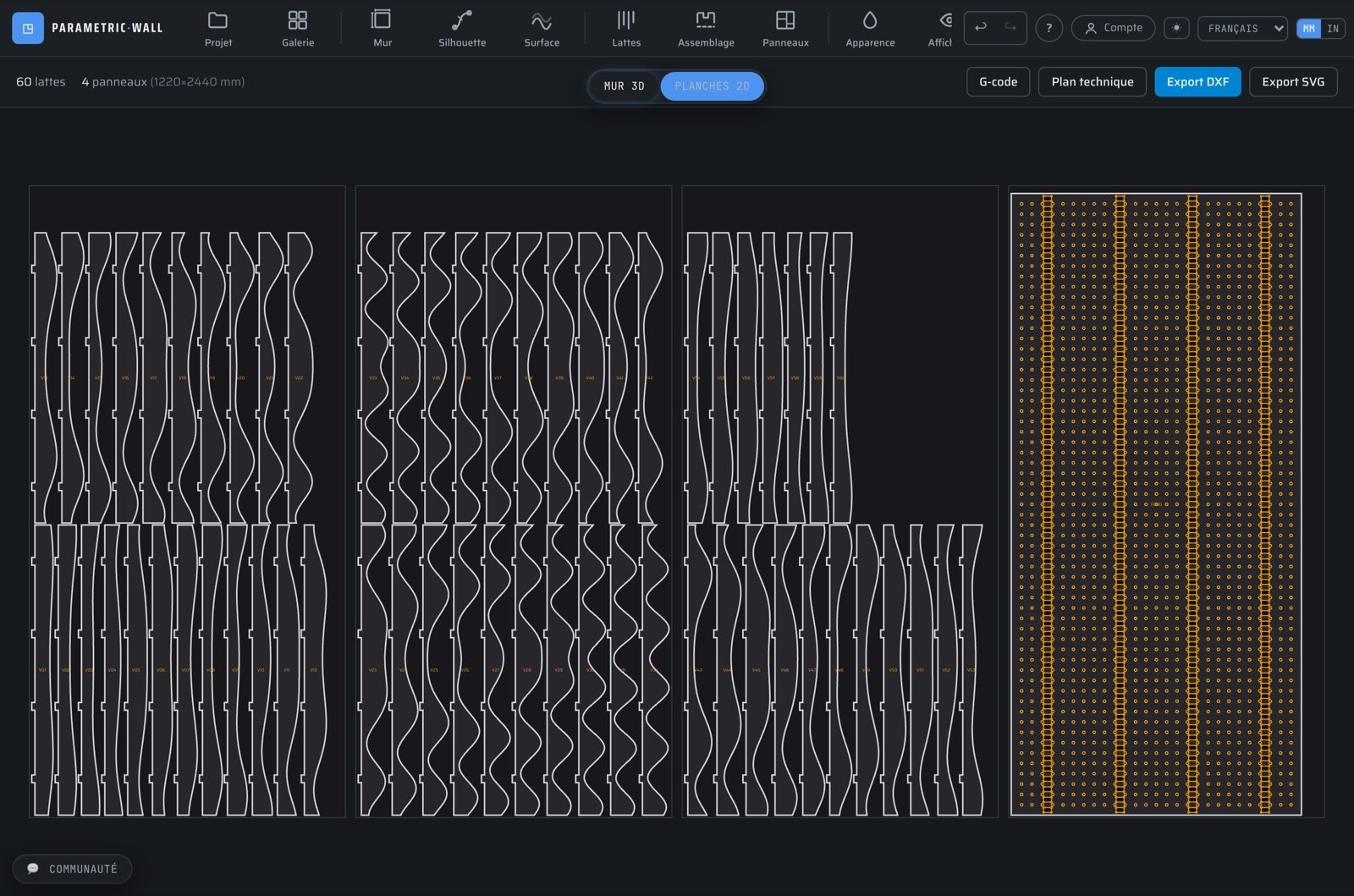
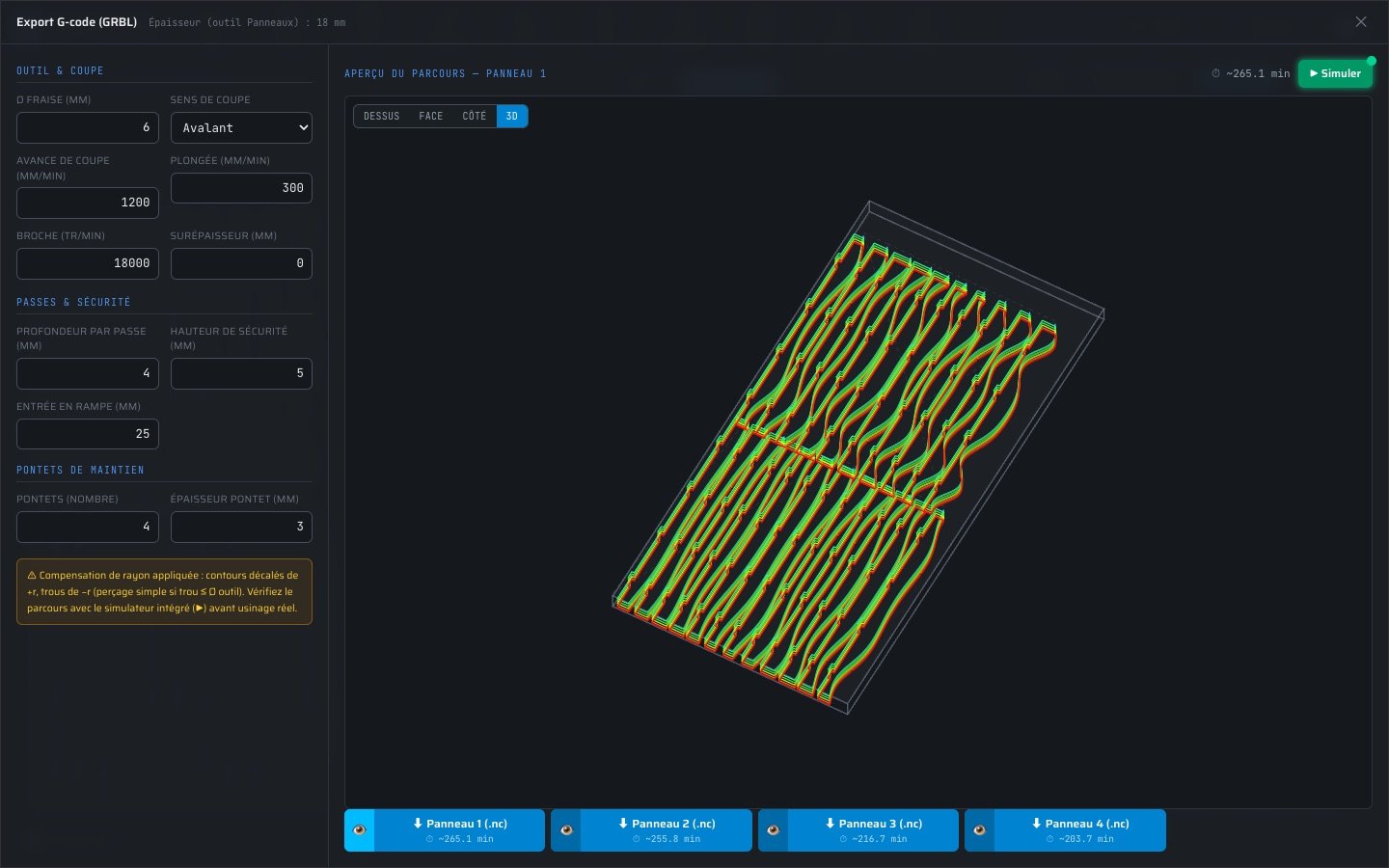
In the 2D Sheets view, the new G-code button opens a small dialog: cutting feed, plunge rate, depth per pass, safe height and spindle speed. It then generates one .nc file per raw sheet — mortises machined first, outlines after, descending in successive passes down through the panel plus half a millimetre.
One honest caveat: the toolpath follows the tool centerline, without radius compensation. The joinery clearances already account for the bit diameter you set in the studio, but always run the file through a simulator (or camotics, ncviewer…) before cutting real material.
Acoustic mode: perforated back panels with live NRC estimate
Slat walls are natural acoustic diffusers — but the real absorption happens when the back panel is perforated and backed with mineral wool. That is exactly what the new acoustic mode generates.
In the Assembly tool (tenon-mortise mode), enable “Perforated acoustic back panel”. Choose the hole diameter, the pitch and a grid or staggered pattern: the panel fills with perforations that automatically dodge every mortise, and the open-area ratio plus an indicative NRC estimate update as you drag the sliders.
The perforations flow into everything downstream: the 2D nesting view, DXF and SVG exports, the technical plan, and of course the G-code — thousands of holes, each machined in the right order.
A template library and material guides to start faster
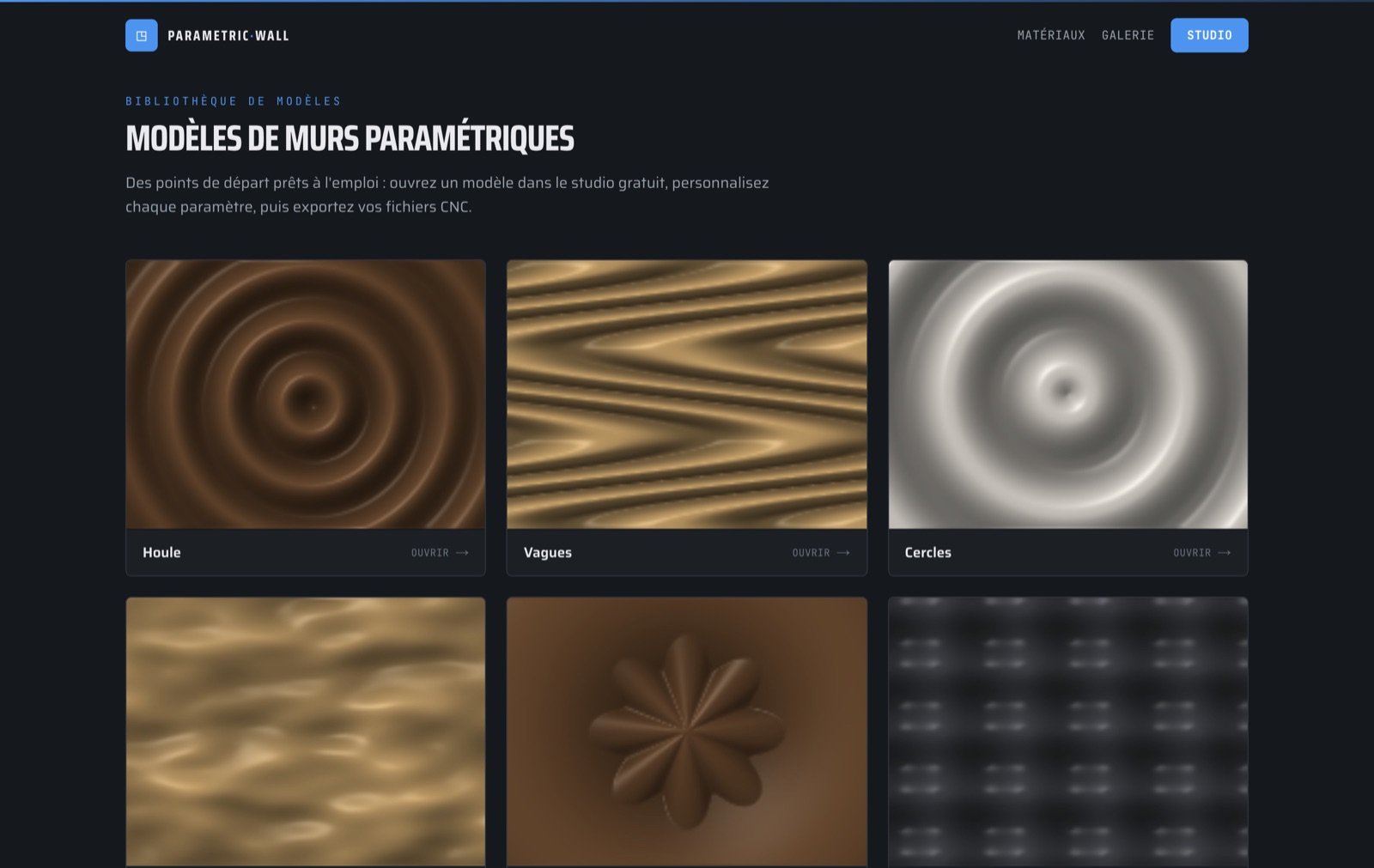
Twenty ready-made designs — swell, dunes, medallion, op-art, drapery, crystal… — now live on their own pages, in seven languages. Each opens directly in the studio, fully editable, one click away.
They are paired with six material guides (oak, walnut, MDF, baltic birch plywood, pine, bamboo) covering the properties that matter for a wall, indicative CNC feeds and speeds for a 6 mm bit, and the templates that flatter each species.
And since a project has a budget: the Sheets tool now accepts a price per raw sheet, and the material cost shows up in the 2D toolbar and in the technical plan take-offs.
Read next
Tools & guides
Ready to try it?
Try it in the free studio →