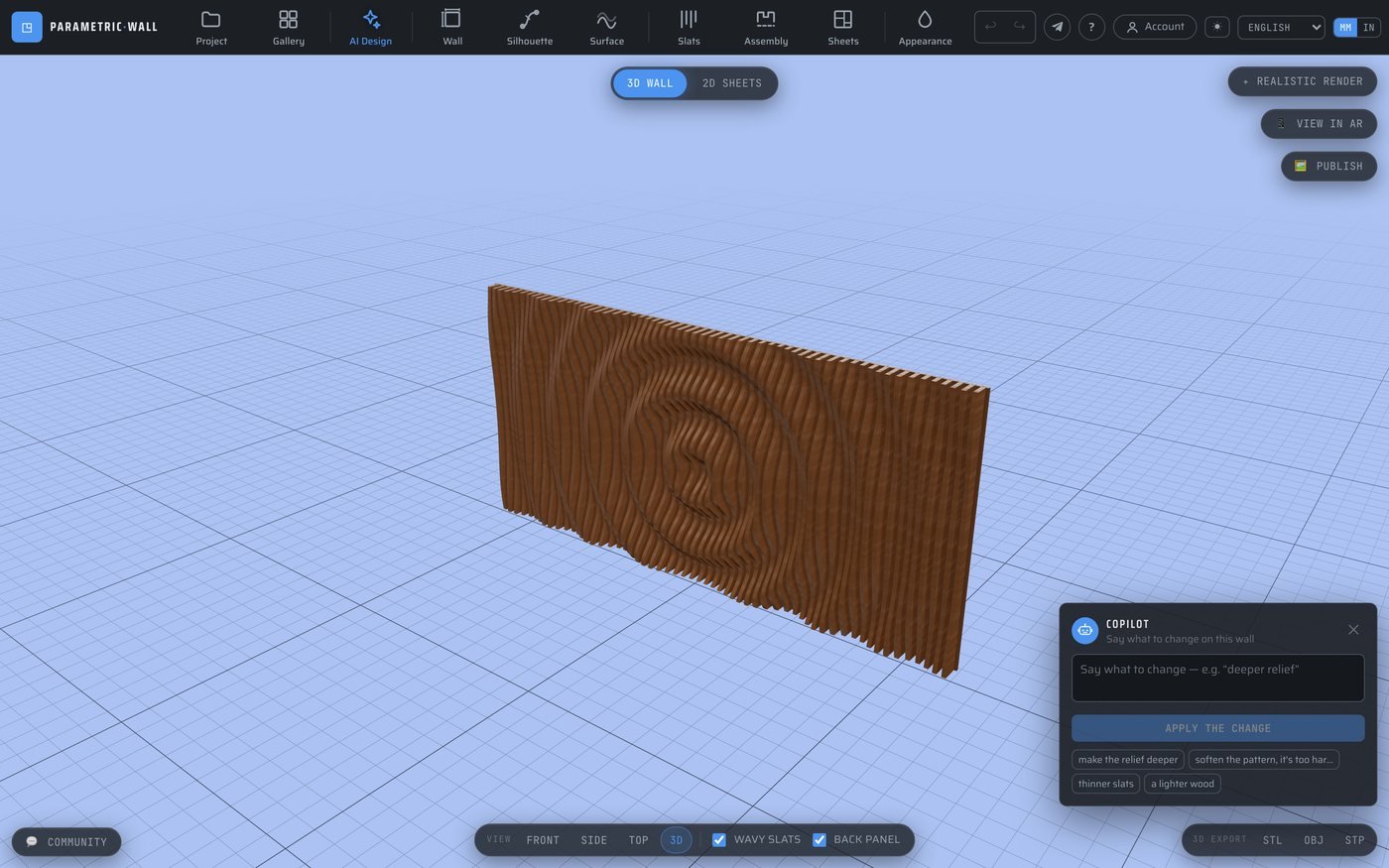
Refine your CNC wall design by talking to it: the AI copilot
Generating a design from a sentence is one half of the workflow; the other half is refining it. Parametric Wall Studio has a copilot for exactly that — a robot button at the bottom right of the studio that edits the wall you are looking at, in plain language, changing only what you ask. This article explains how it works and why it is a different tool from the generator.
Editing what's on screen, not starting over
Click the 🤖 Copilot button and type an instruction about the wall in front of you: "make the relief deeper", "a lighter wood", "thinner slats", "move the pattern to the top", "soften it, it's too harsh". The copilot reads your current design, works out the single change you asked for, and applies it — leaving everything else exactly as it was.
That precision is the whole point. Ask for more depth and only the depth changes; ask for a lighter wood and only the colour changes. You are not regenerating a new wall each time, you are steering the one you already like.
Nothing is ever lost
Every change the copilot makes is one click away from being undone. Try an idea, look at it in 3D, and if it isn't right, restore the previous state instantly. This makes experimenting cheap: there is no penalty for asking "what if the relief were much deeper?" because getting back is free.
It's the natural way to converge on a design. Generate a base with the AI designer, then have a short conversation with the copilot — deeper, lighter, finer — each step building on the last, until the wall is exactly what you pictured.
Always within reach
The copilot lives at the bottom right on purpose. Refinement is something you do while looking at the wall, so it shouldn't be buried in a menu — the button is always there, a click away, without leaving the 3D view. Press Escape to close it, exactly like the other command boxes.
Under the hood it uses the same validated, deterministic pipeline as the generator: the copilot only proposes bounded parameter changes, and the engine produces the geometry and G-code. A conversational edit can never push your design outside machinable limits.